Request
Fill the form with name, email and phone.
Quotes, watchlist and order history in one panel. Free sign-up, verification in under an hour, demo before any deposit.
20 seats this week · the list closes when they are gone
The demo let me practise for two weeks without rushing; by the time I moved to a real account I already knew where everything was.
Four fields: we call you back and show you the platform live.
Sign-up is free and does not commit you: no subscription, no auto-renewal.
| BTC/EUR | 87,450 | +2.4% |
| ETH/EUR | 3,120 | -0.8% |
Fill the form with name, email and phone.
We call back in office hours and verify details.
Uploaded in your area, digitally.
Only after approval, using the details in your area.
Credentials work and support is available.
Names are illustrative; content provided by users during testing.
“ No pop-ups over the data, which is rare in this kind of interface.”

“ The call came in the morning, the check was quick and without repeated questions.”

“ I found the listing I needed straight away, with the delay written next to the price.”

Every listing shows source and update time.
Data delay is written next to the price.
Series and tables downloadable in table format.
Six concrete points on the interface, verification, demo and risk. No promises, just how the service works.
The first screen combines the market overview, your watchlist and the order history. Each module opens with a short explanation and stays linked to the others, so checking a position never means switching pages.
The demo uses the same panel as the live area, with simulated amounts only. It shows how alerts are set, how a chart is read and how long a position review takes. Trying it triggers no charge.
After the request you provide a document and a verifiable contact. The checks meet anti-money-laundering duties and protect access to the account. If a document is unreadable, the system says so and you can upload it again without starting over.
Every price carries the day's change and, where relevant, the data delay. Figures in the preview are illustrative until the area is active. For a fair comparison, use the same time and the same interval.
No tool removes losses: alerts and limits can be set, but the market stays unpredictable. Before trading, choose a maximum amount and a fixed time to review positions. If the outcome is unclear, stopping is the better move.
Support answers in your language on working days and collects requests from the form or the account area. Terms, privacy and contact details live on their own pages. Keep the request references so you can find them later.
Payments, market data and analysis tools run through established partners: each logo marks one part of the path, not a promise of returns.


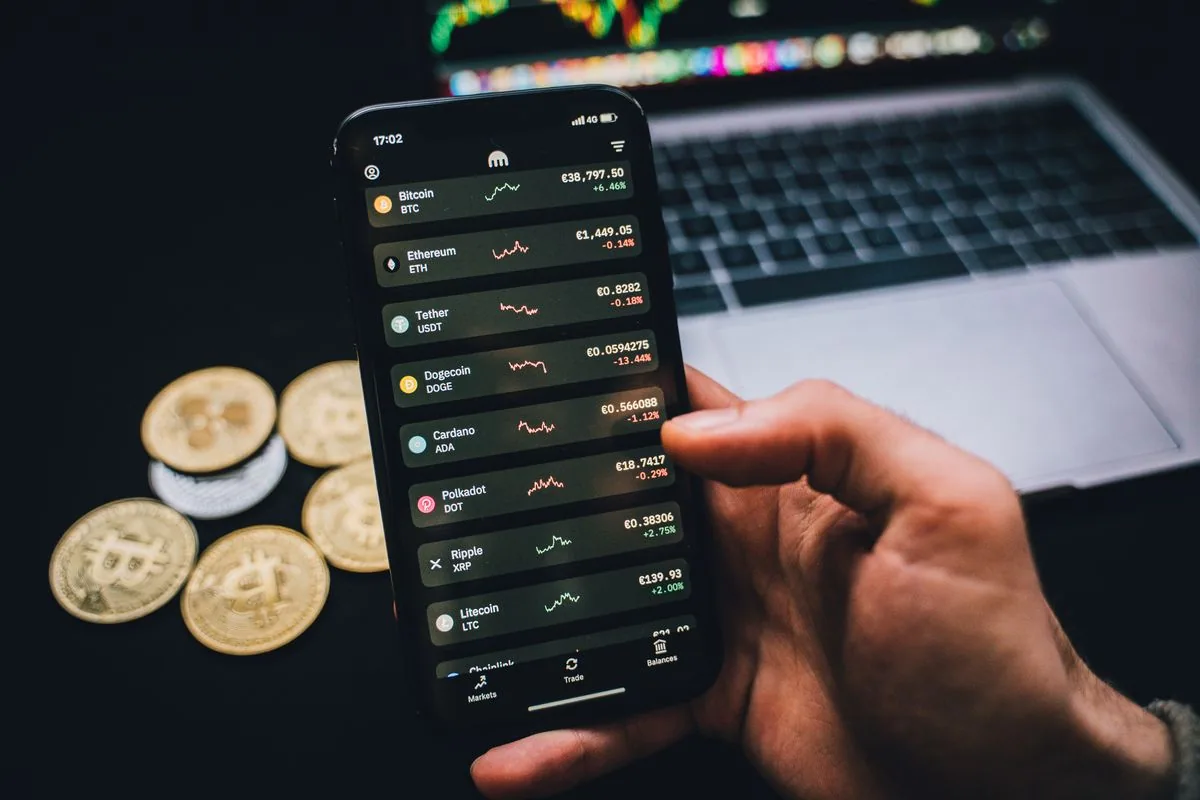
The preview shows how charts, watchlists and history read on mobile, with the same structure as the desktop area.
Concrete functions, each with a recognisable job.
Prices and changes in aligned columns with stated units.
Series by period with the scale shown.
Two or more instruments side by side, same window.
A notice when a value crosses your level.
Annotations per instrument, recalled in its card.
Two-step verification and per-device sessions.
Listings, tools and your area share one screen. Every section has a defined job, no decorative panels.
No, the request is free and commits you to nothing. The deposit only comes later, when you activate the working area. Until then you can browse the overviews and decide at your own pace.
Usually the same working day, provided the details you submit are complete and readable. If extra documents are needed, the team flags it right away in your area. You get an email at every status change.
Yes, support answers in your language during office hours, Monday to Friday. Replies arrive by email or through the contact form, usually within one working day. A guides section covers the recurring questions.
Yes, in your area: name, contacts and preferences update in a few clicks. Every change needs an email confirmation for security. If something fails, support walks you through it step by step.
It depends on the account level: any delay is shown right next to the price, so you always know what you are looking at. Charts stay in sync between desktop and mobile. Values remain illustrative until the area is active.
No. The start is guided: you look through the overviews, get familiar with the interface and try the demo first. Experienced users can adjust watchlists, alerts and risk limits from the first login. Either way, the demo is worth testing before any deposit.
The workspace brings cryptoassets, currency pairs, indices and commodities into one view. Each instrument shows its price, the day's change and a short context line, so comparisons stay quick. The available list depends on the profile and is shown before activation.
Personal data is processed under GDPR and local rules, and access runs over encrypted connections. Client funds are kept separate from ordinary operations, and every movement is recorded in the account area. No system removes market risk: the decisions remain yours.
Yes. Any financial instrument can fall in value, and past results do not predict future ones. The platform provides analysis tools and configurable limits, not a guarantee of returns. Before trading, decide how much you are prepared to put at risk.
You send the request from your account area, and it is recorded with a date and amount. Timing depends on the chosen method and the bank, usually a few working days. The status stays visible in the history, with an email at every stage.
An adviser calls the number you provided to confirm the details and answer questions. Identity verification comes next and, only if you choose to continue, the working area is activated. There is no obligation to deposit anything during the call.
The conditions that apply to your account are shown before you confirm, and registration or support carry no separate charge. Spreads, third-party fees and network costs stay separate and should be read in detail. If anything is unclear, ask support for a written summary.

👋 Hi, I'm Thomas. Ask a question or leave your details — we'll call you back during office hours.